Visual Sheet Designer
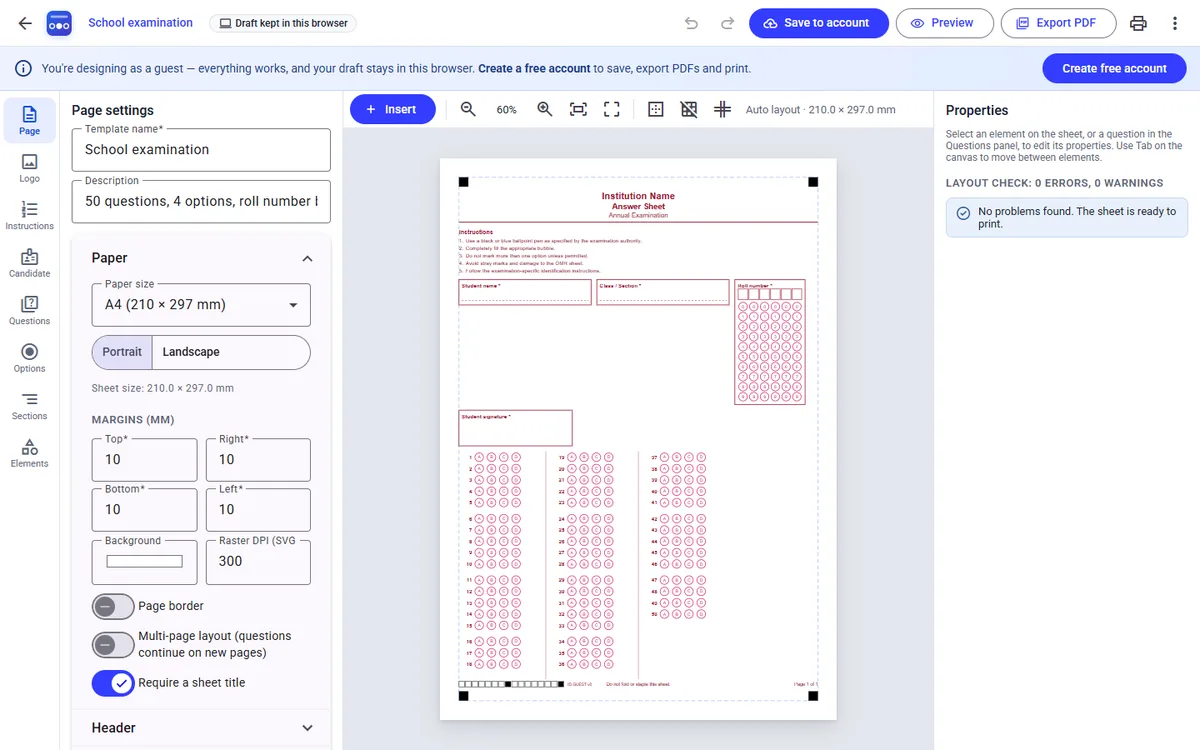
Drag, resize and align headers, instructions, candidate fields and question blocks with live preview, guides and undo.
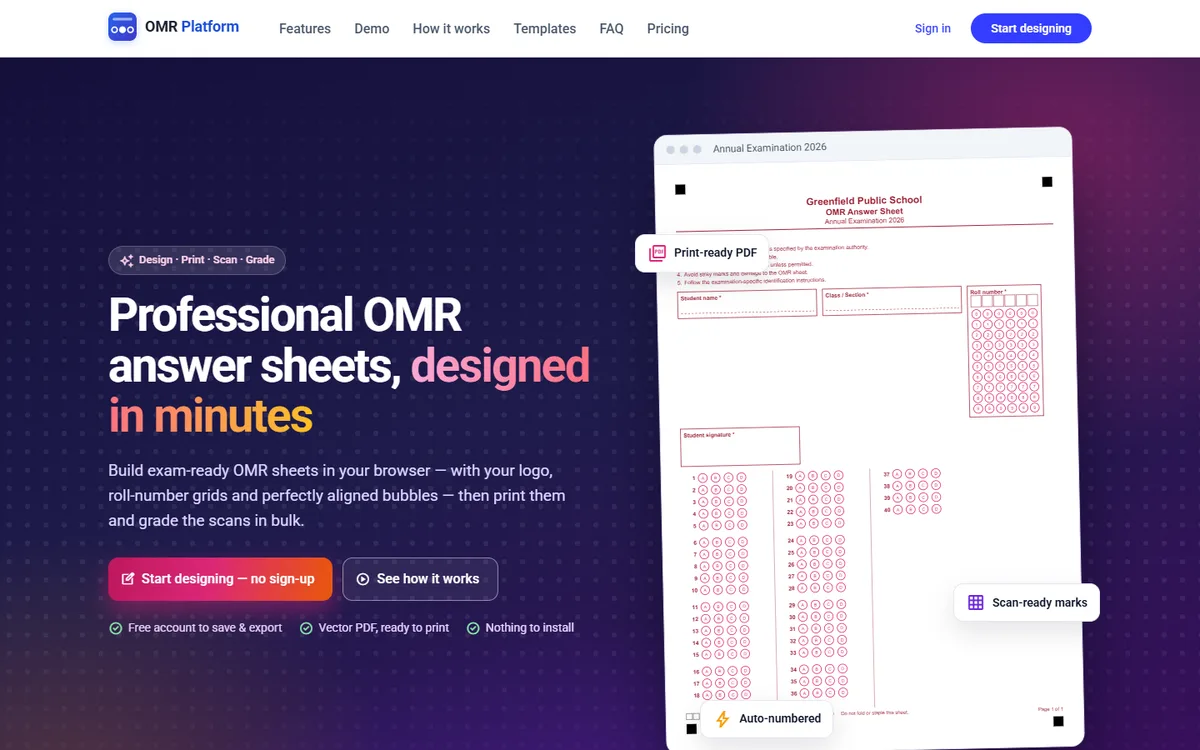
Build exam-ready OMR sheets in your browser, with your logo, roll number grids and aligned bubbles. Then print them and grade the scans in bulk.
OMR Platform is one tool for the whole OMR workflow, with no design software and no separate scanning app. Pick a ready-made layout such as a school exam, college exam, NEET style paper, competitive exam, survey or feedback form, or start from a blank sheet and customise every detail.
Already have OMR sheets from elsewhere? Calibrate a reader template from a blank or sample scan and read those sheets too. Results come out as an Excel workbook, and uncertain marks are flagged for review rather than guessed.
Drag, resize and align headers, instructions, candidate fields and question blocks with live preview, guides and undo.
Bubbles are placed automatically in columns and blocks, with numbering, sections and overflow checks built in.
Roll number, registration and date-of-birth bubble grids, booklet series, signature and photo boxes.
Crisp vector output on A4, A3, Letter or custom sizes, with registration marks and page codes for scanning.
Upload scanned sheets or use a server folder, read them in bulk and export results with marks to Excel.
See invalid sheets next to their scans, with the reason for each problem, and correct responses in place.
Start from a ready-made layout or a blank sheet. Add your logo, instructions and questions.
Export a print-ready PDF or print directly. Every sheet carries scanning marks.
Upload the filled sheets as a batch and follow its progress as they are read.
Apply an answer key, review only the sheets that need attention and download the Excel results.
Unit tests, term exams and quick quizzes.
Semester exams with registration numbers.
Large papers with sections and booklet series.
Likert scales and rating forms that read themselves.